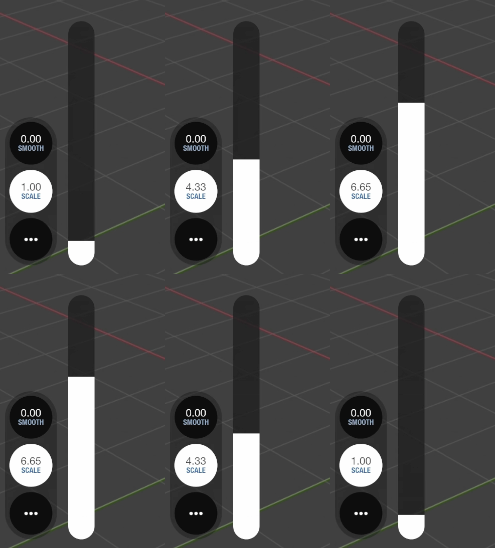

How to set up scale units in VirtuCamera App
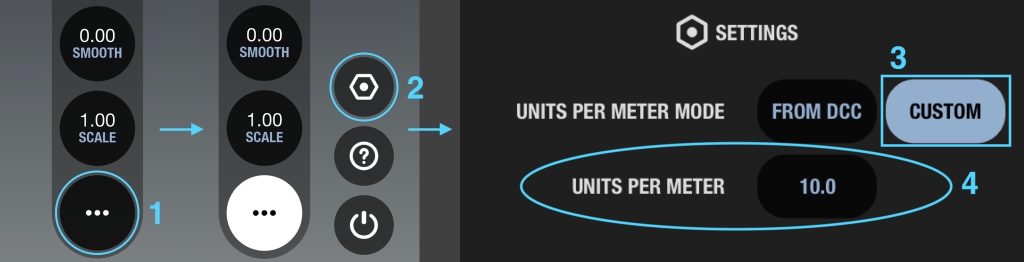
To properly capture camera position, you will need to establish how much 3D software units are equivalent to real world units. By default the app calculates the units per meter from the DCC settings, but you can set a custom value from the app settings.
You have to first change “Units per meter mode” to “Custom” and then change the value in the “Units per meter” field.
After you have set a units per meter value that you are confortable with, you can also use the “scale” slider on the left – it works as a multiplier for quick adjustments while doing motion capture.