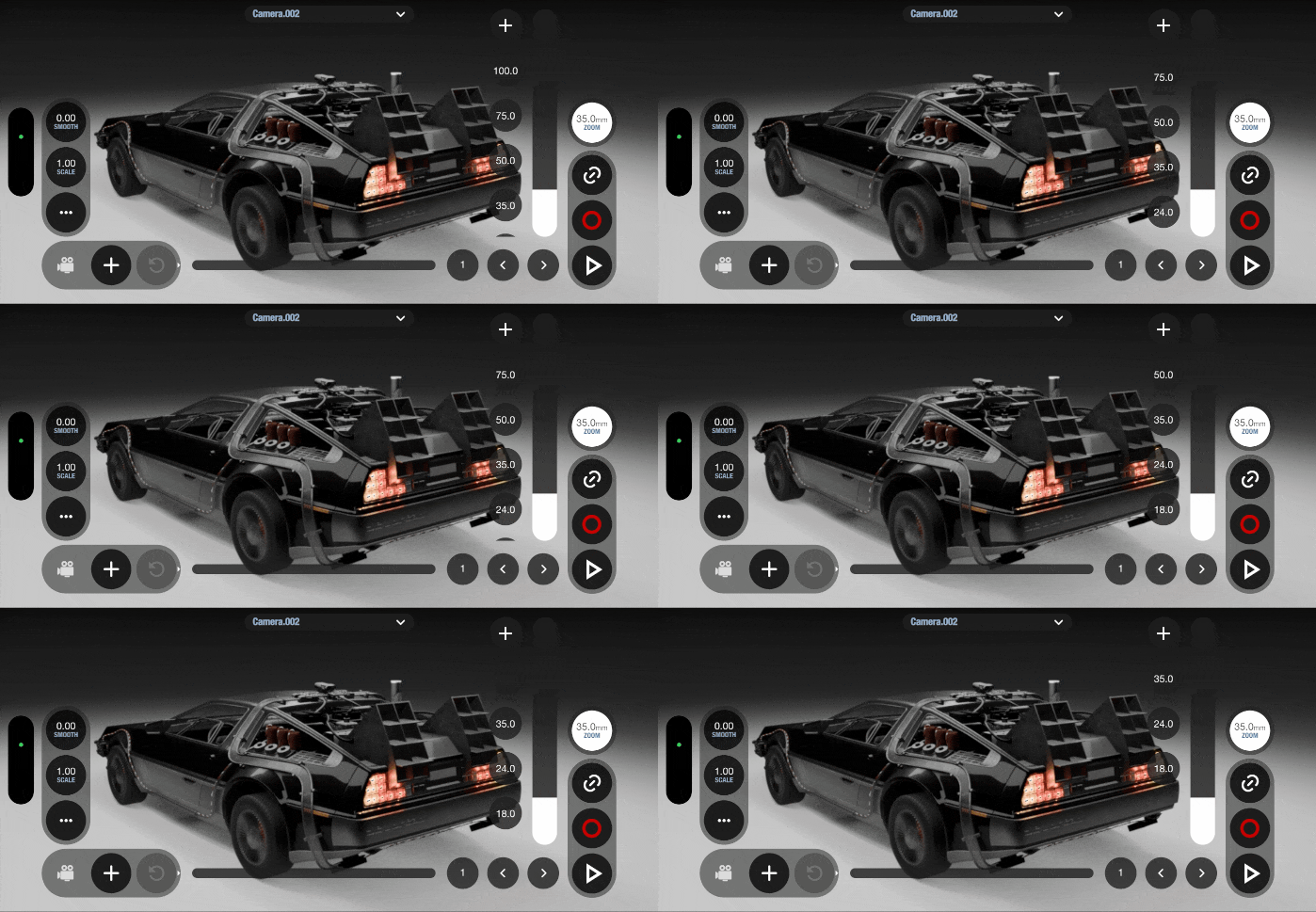

Slider Presets
Slider Presets let you save and quickly recall frequently used slider values, making it easier to switch between preferred settings while using VirtuCamera.
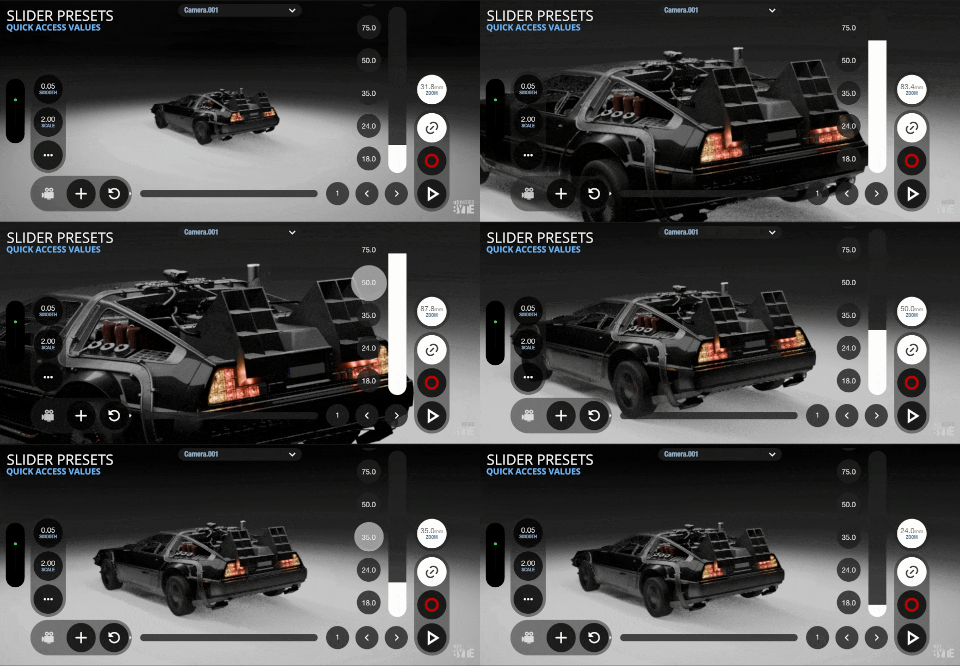
Using presets
Tap a preset button to instantly apply it to the slider.
Storing new presets
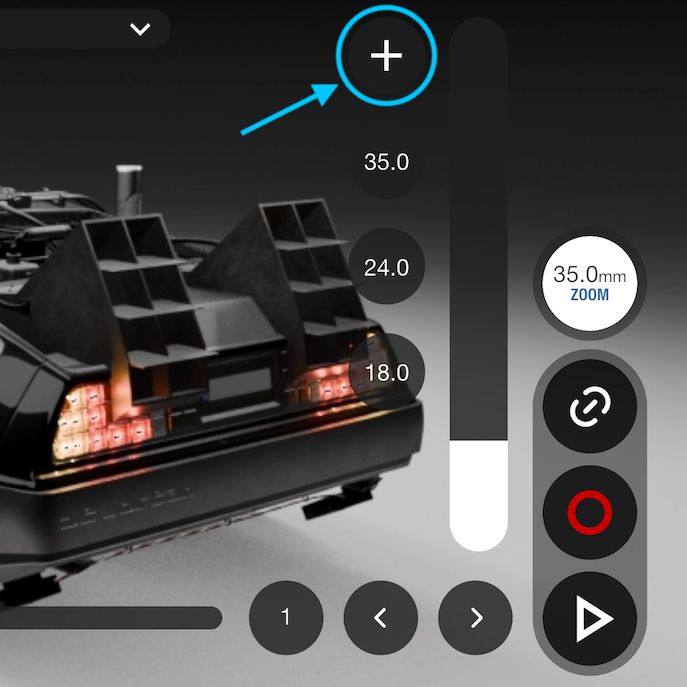
First, set the desired value using the slider. you can also long-press the current value and enter an exact value. When the value is set, tap the + button to save it as a new preset.
Removing presets
Swipe any preset to the side to remove it.