
Dolly Zoom
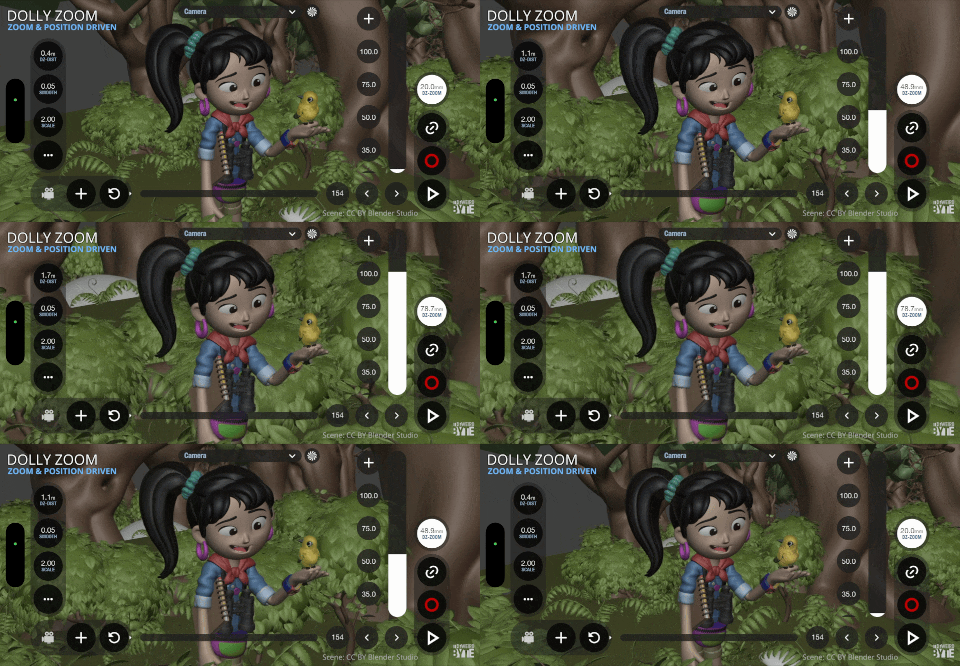
The Dolly Zoom effect alters perspective while preserving subject framing, making it ideal for dramatic shots and camera scouting. It allows you to experiment with different focal lengths without losing your composition.
Dolly zoom mode
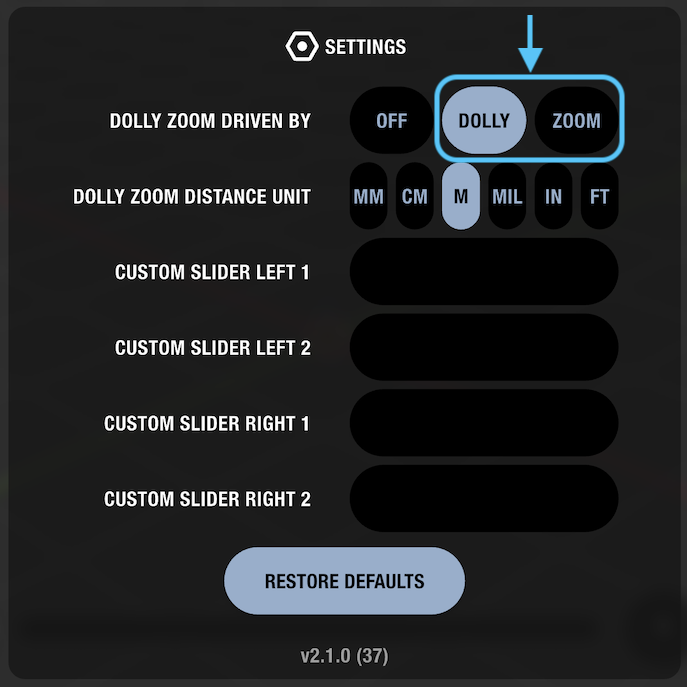
This feature offers two operational modes:
- Zoom Driven: The simplest mode; adjusting the zoom automatically moves the camera to keep the subject the same size on screen.
- Dolly Driven: Moving the camera forward or backward automatically adjusts the zoom to maintain subject framing.
Open the settings menu and locate the “Dolly zoom driven by” setting.
Dolly zoom distance
When dolly zoom is enabled, a new slider appears on the left side of the screen. Use this slider to adjust the target distance where the subject remains locked at a consistent screen size.
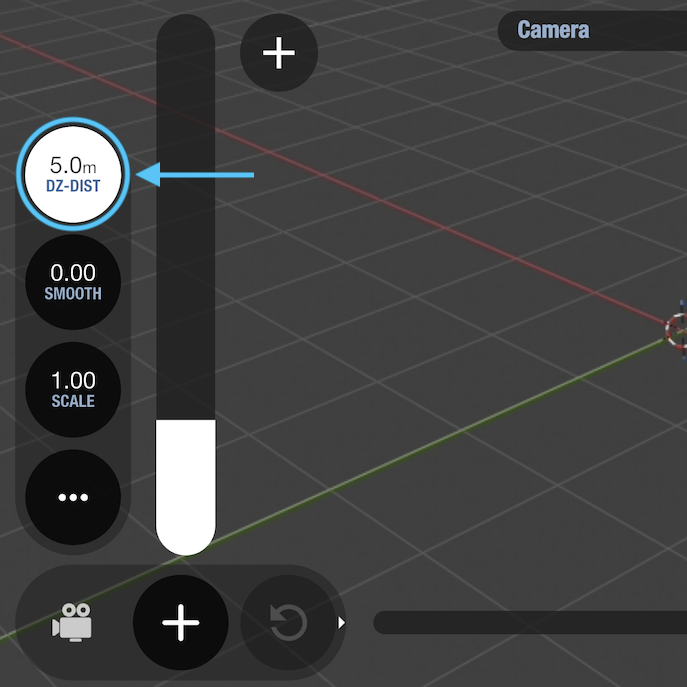
You can also configure the distance unit, you will find it in the settings menu.
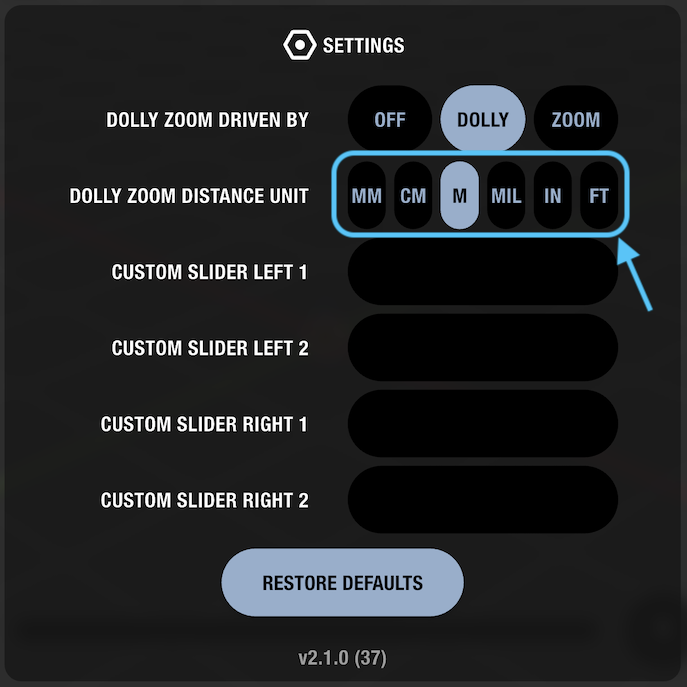
Quick enable/disable
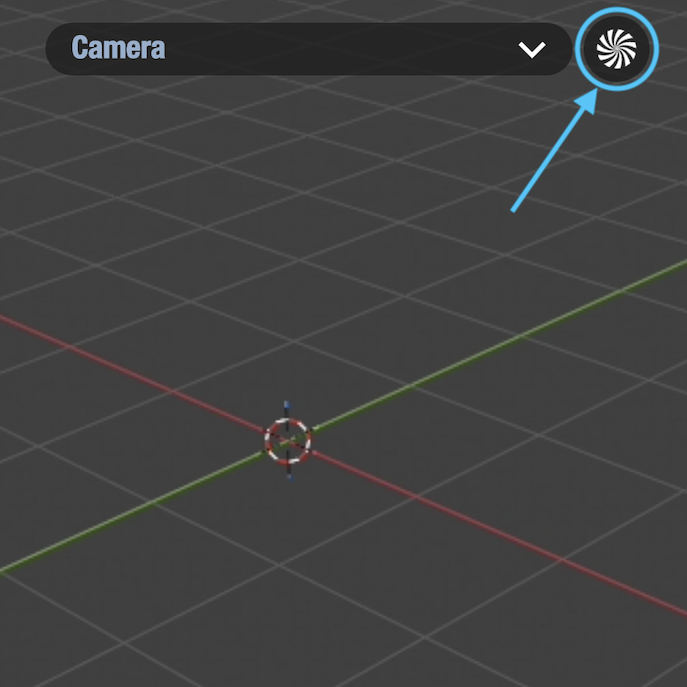
Tap the toggle icon located beside the camera selection menu to quickly enable or disable the dolly zoom feature during your session.