
Setting up custom scripts
Custom scripts allow you to trigger Python scripts directly from the VirtuCamera app with a single tap, streamlining automation and studio workflows. If a script fails to execute, the app displays the full stack trace on-screen to assist with debugging.
Add a script directory
Save your Python files (.py) into a dedicated folder on your desktop computer. In your desktop 3D application, locate the VirtuCamera plug-in interface and point the Scripts parameter to that folder.
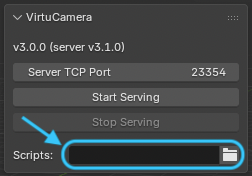
Note: UI screenshot from the Blender add-on, there may be slight differences between DCCs.
Every Python file inside the designated folder automatically appears as an interactive button in the app, with the filename as the label of the button.
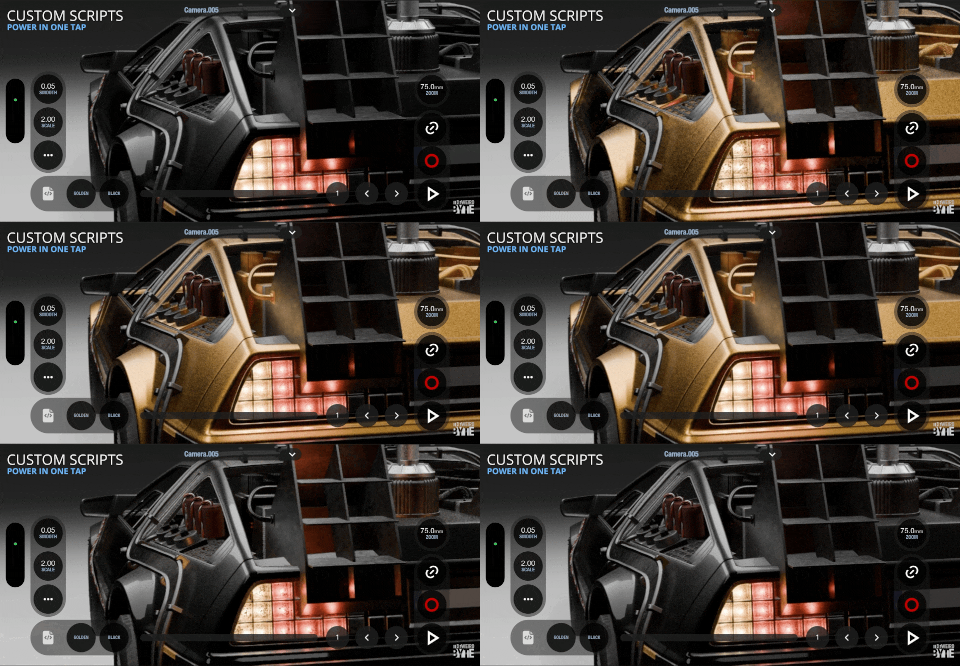
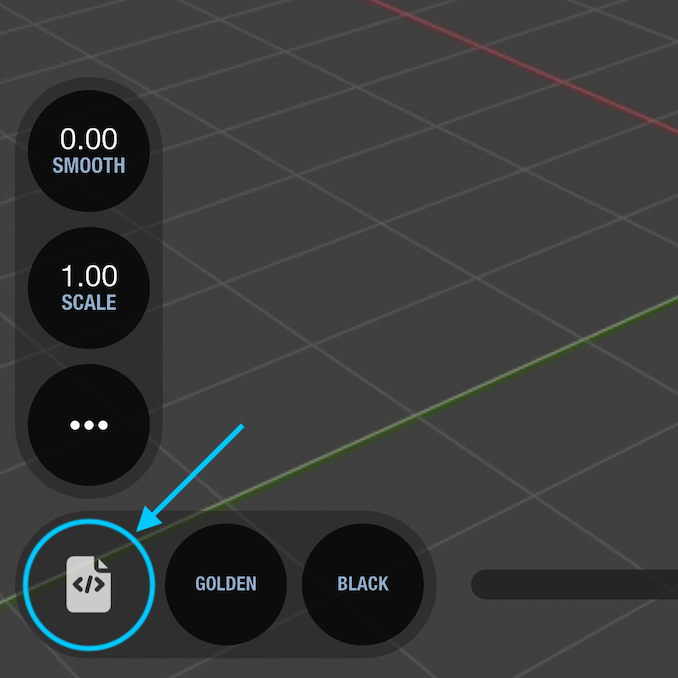
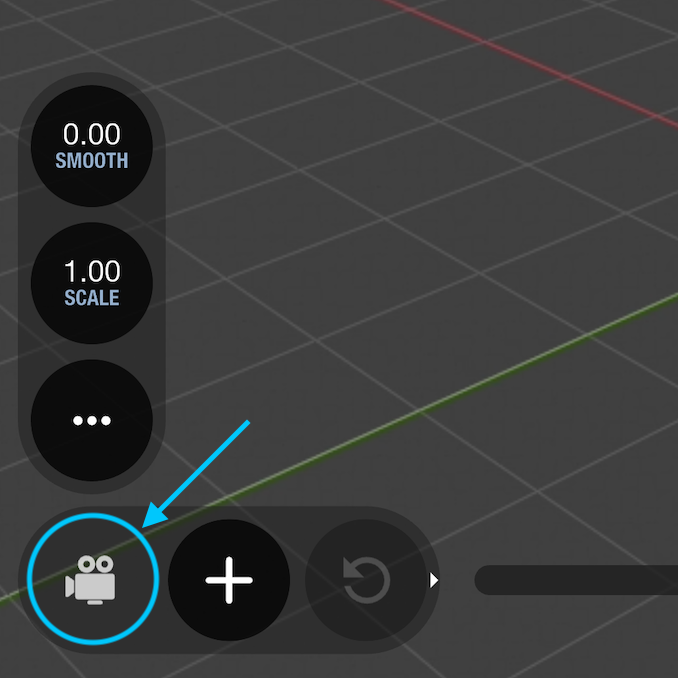
To switch between the camera shortcut buttons and the custom scripts you can tap on the camera/script icon next to the buttons
Order script buttons
Buttons in the mobile interface are ordered alphabetically by filename. To customize their display order, prefix the script filenames with numbers (such as 1_myscript.py or 2_reset_rig.py).