
Setting up the Attributes Range
Customizing the attribute boundaries ensures the slider provides responsive control within your shot’s required magnitude.
Configuring Any Attribute Slider Range
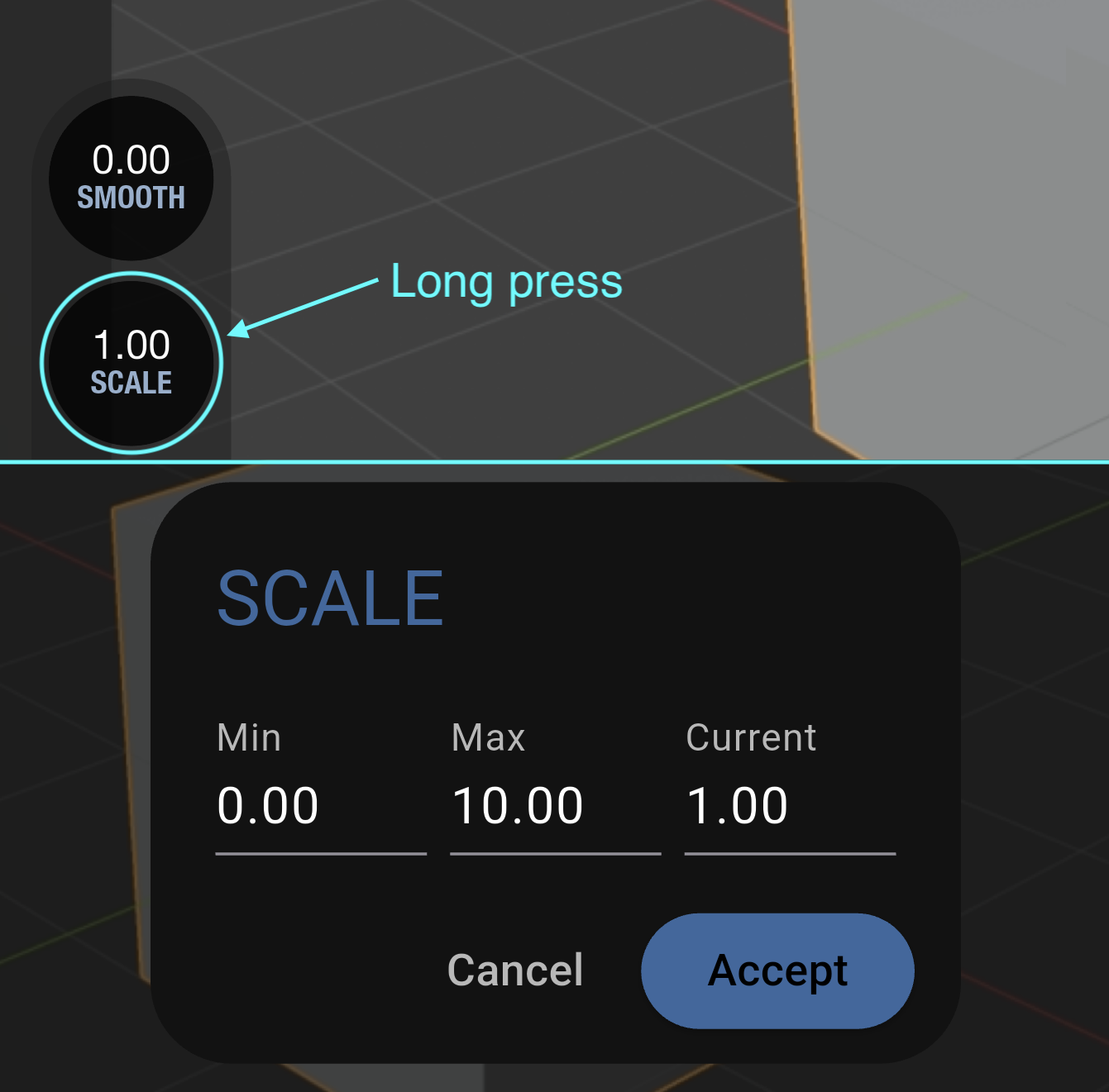
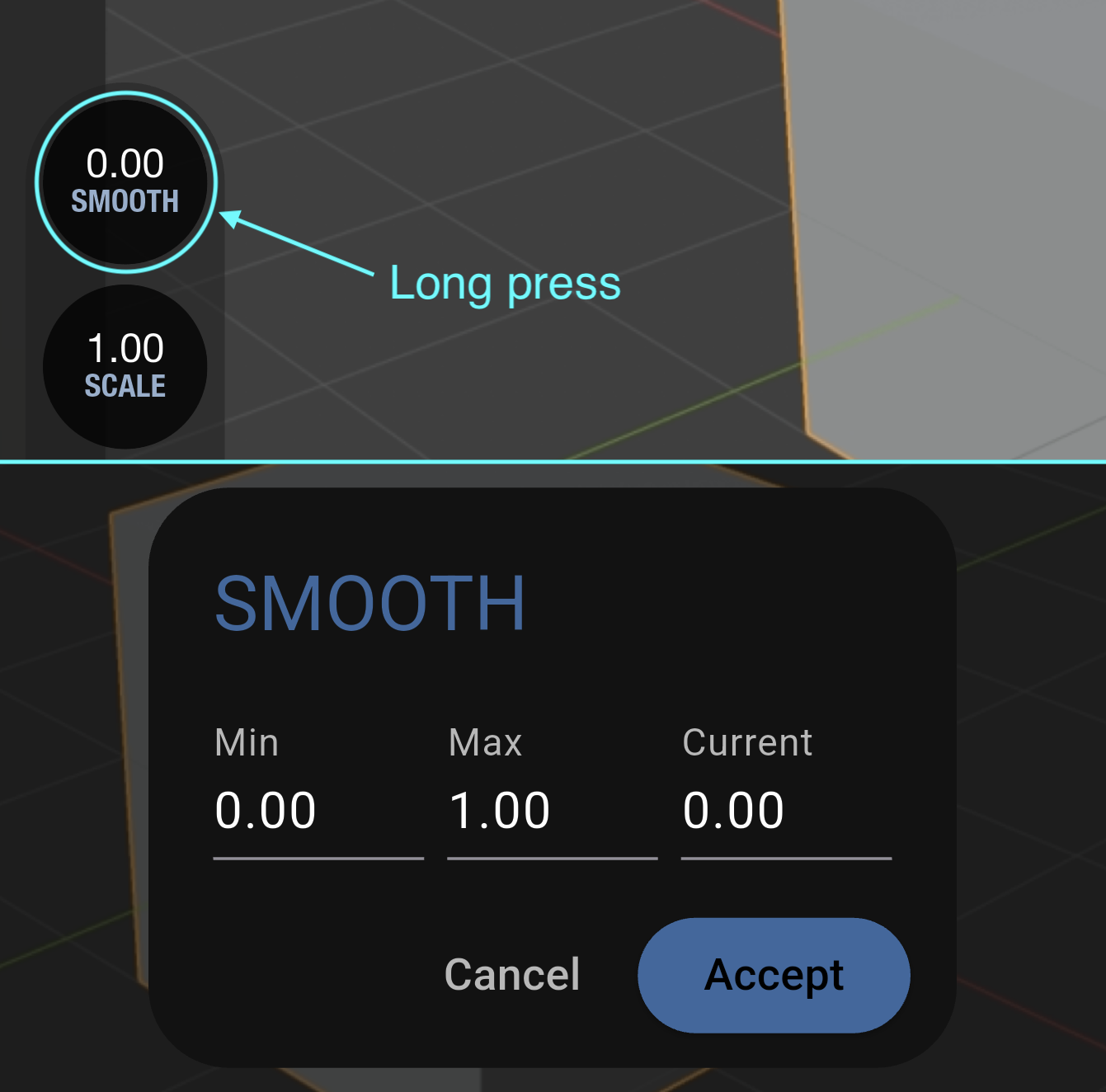
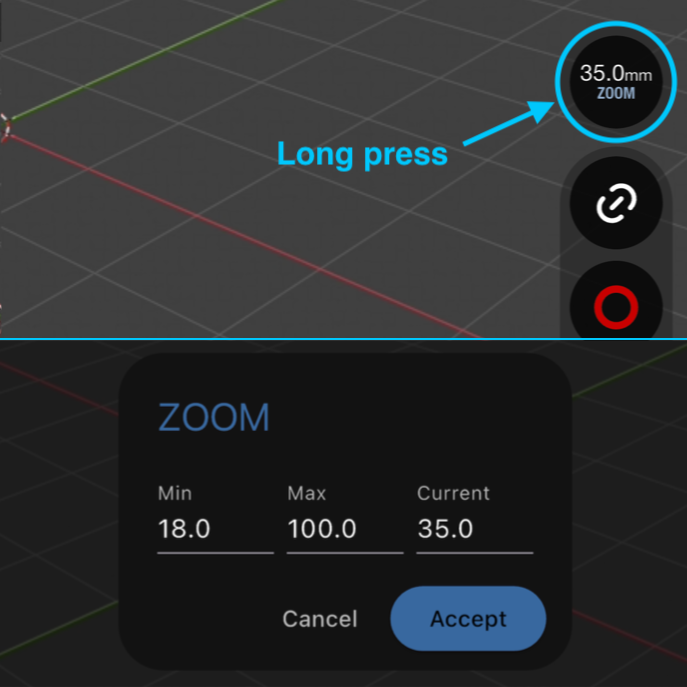
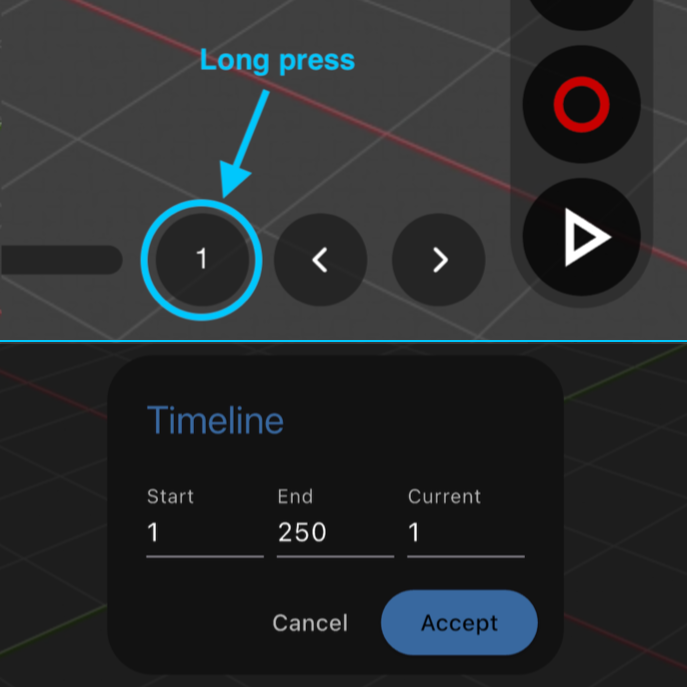
- Perform a long press over any attribute circle on the interface.
- Specify the minimum and maximum attribute limits for the slider.
- Type an exact value into the field to set the magnitude.
Examples
Find here Scale, Smooth, Zoom or the Timeline, but you can do it in any custom DCC attributes (Pro Version).