
Controlling the zoom
Adjust your camera’s perspective and field of view in real time directly from the app interface.
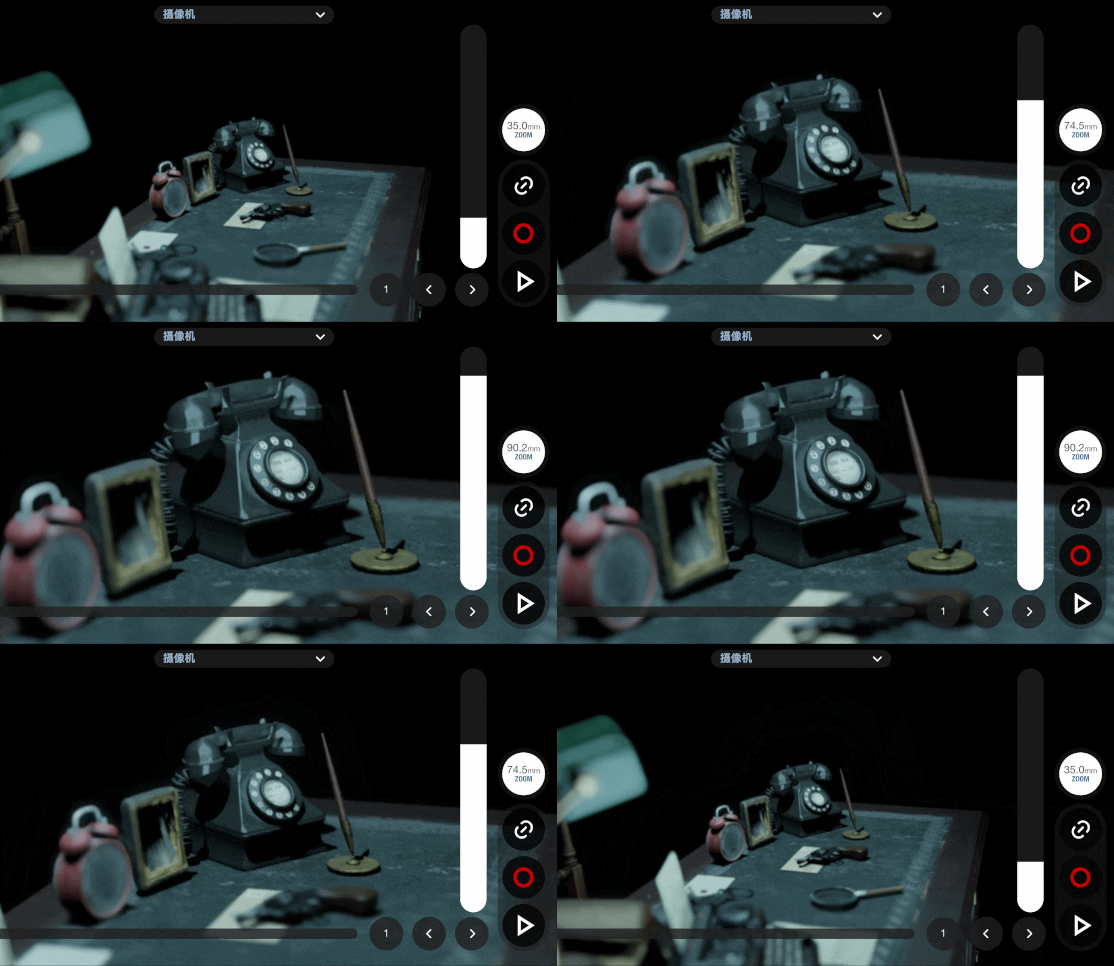
Drag the zoom slider to dynamically adjust the focal length attribute of the active 3D camera in your desktop scene.
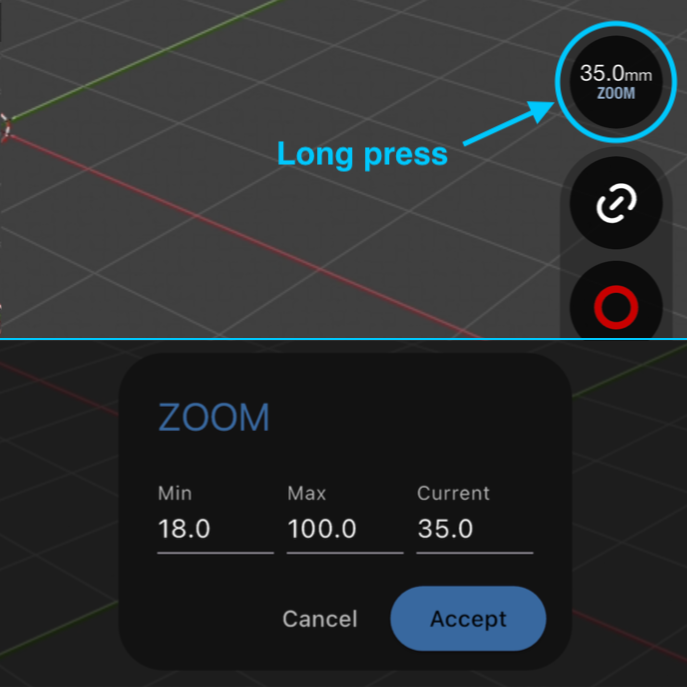
Configuring Zoom Slider Range
Customizing the zoom boundaries ensures the slider provides responsive control within your shot’s required focal lengths.
- Perform a long press over the zoom circle on the interface.
- Specify the minimum and maximum zoom limits for the slider.
- Type an exact value into the field to set the focal length.