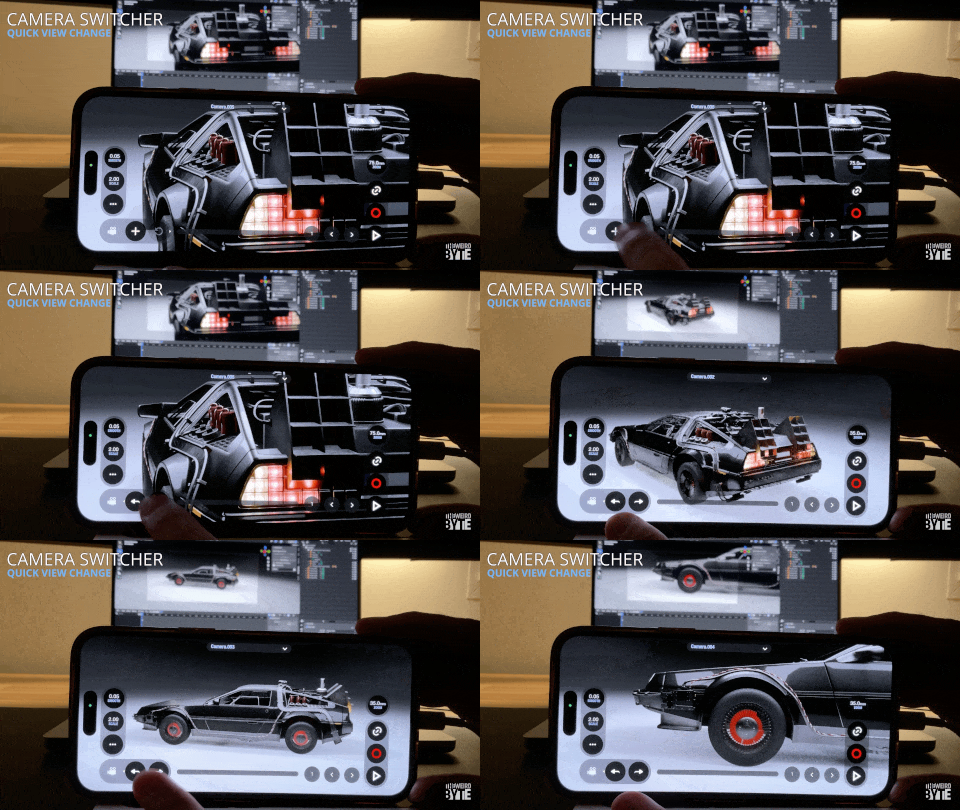

Camera Shortcuts
Camera Shortcuts provide quick controls to manage, navigate, and restore your scene cameras without interrupting your workflow.
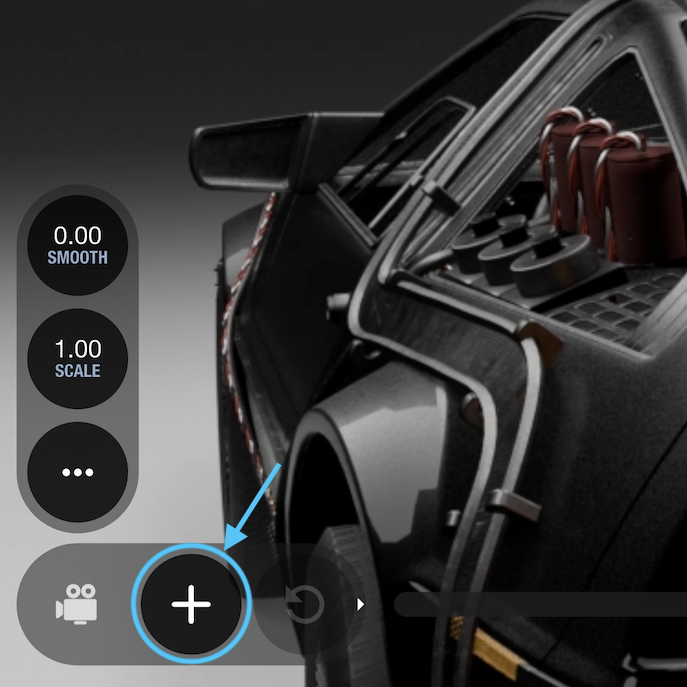
Add new camera
Tap this button to instantly create a new camera in your scene. The newly created camera copies both the placement and focal length of your currently active camera.
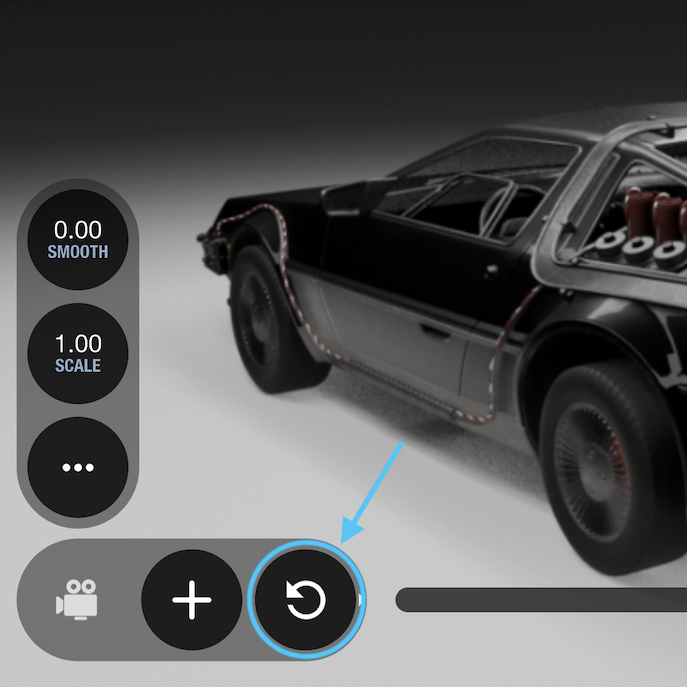
Revert camera
Use this button to recover your previous framing if you accidentally move the camera or need to undo a transform.
Camera switcher
Swipe left on the camera buttons to reveal the navigation arrows.
These controls let you cycle through all available cameras quickly:
- Tap the left arrow to switch to the previous camera in alphabetical order.
- Tap the right arrow to switch to the next camera in alphabetical order.
Known issue: it doesn’t work as expected while device motion is linked – fix on the way!